Multiple Sketch Styles
Pencil, ink, charcoal, and clean line art options.
Photo to Sketch
Upload a photo, choose a style, and adjust detail to generate export-ready sketches for portfolios, product pages, and client reviews.
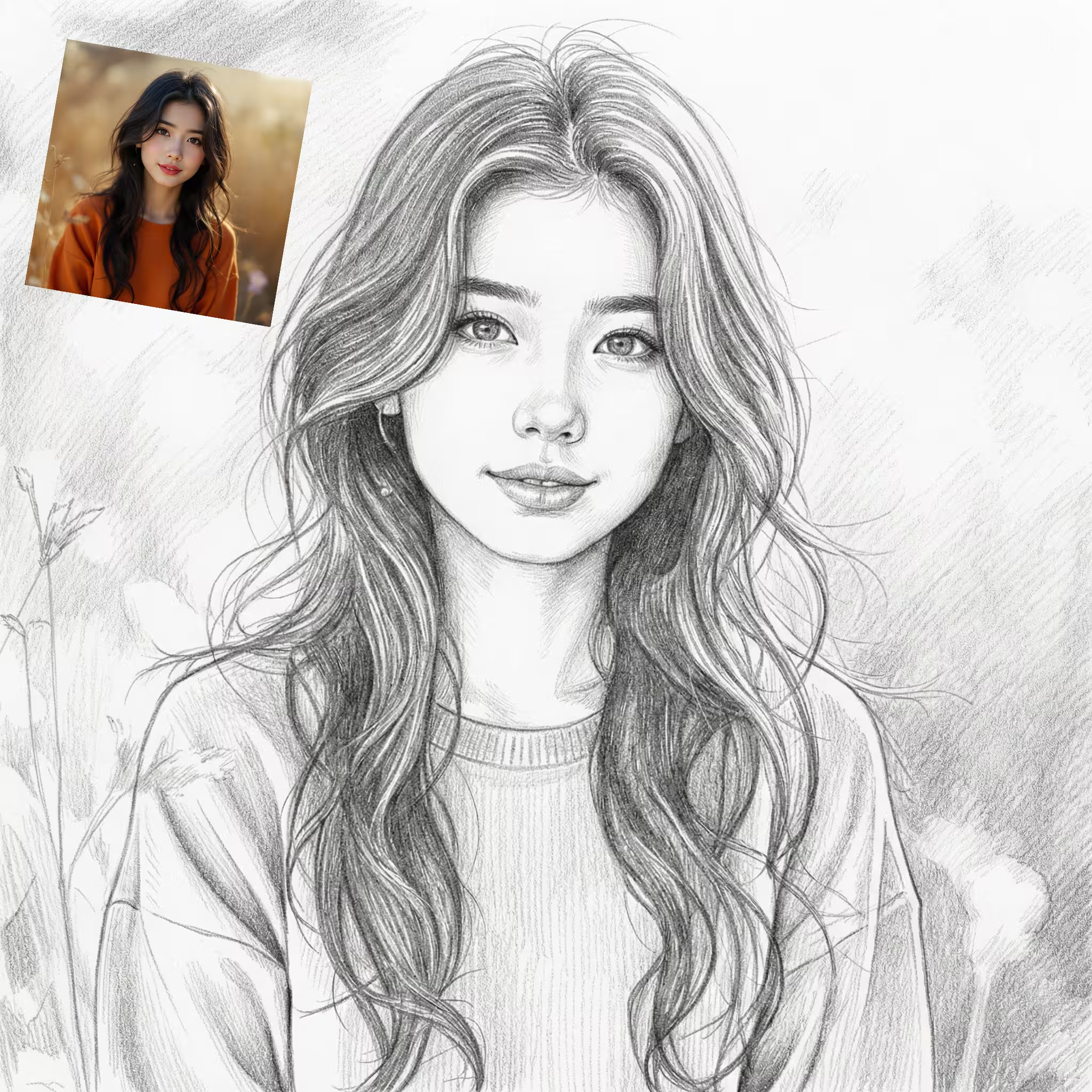
Photo to sketch generator that turns portraits, pets, products, and landscapes into clean pencil, ink, or charcoal styles with export-ready results.
Style presets, detail controls, batch conversion, and high-resolution exports for consistent sketch results.
Pencil, ink, charcoal, and clean line art options.
Adjust contrast and edge strength to refine the look.
Process multiple photos in one session.
Download crisp files ready for print and web.
Save a look and reuse it across projects.
See costs and remaining credits before you run.
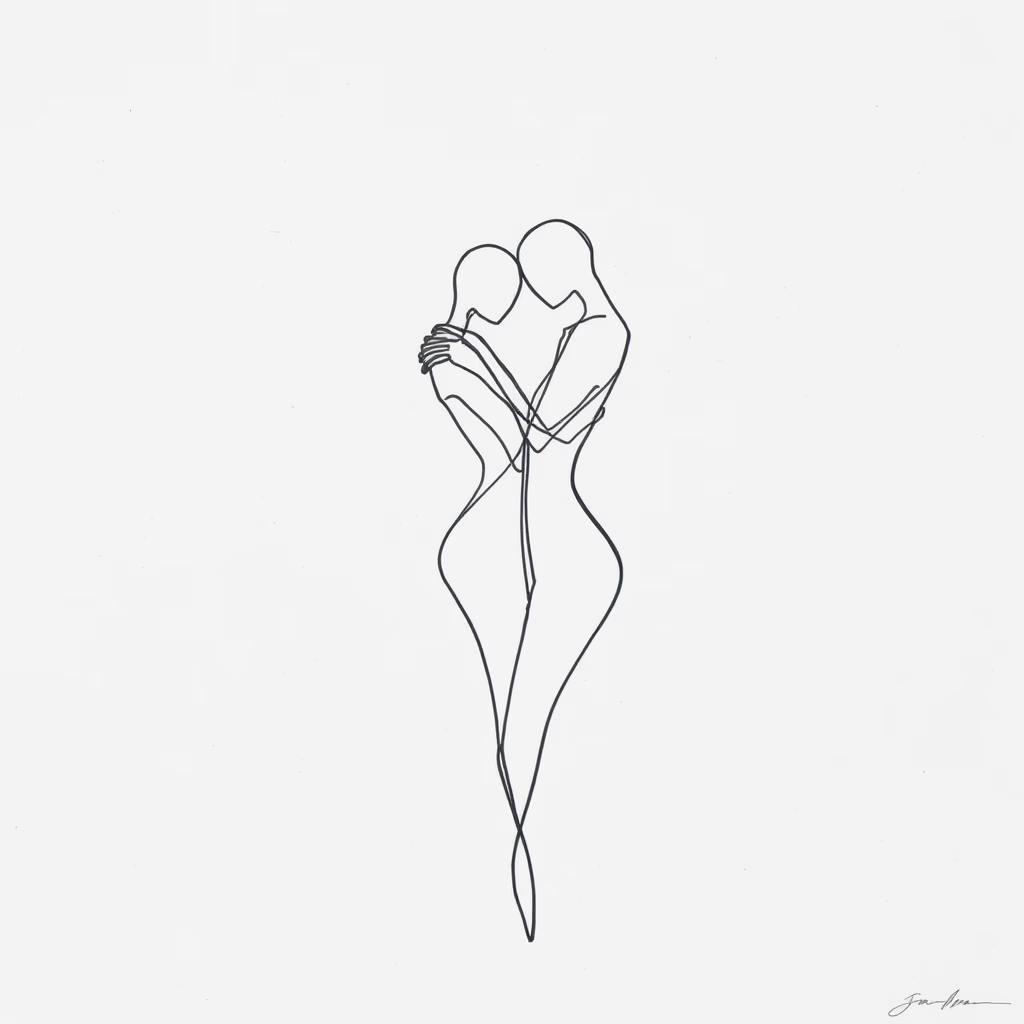
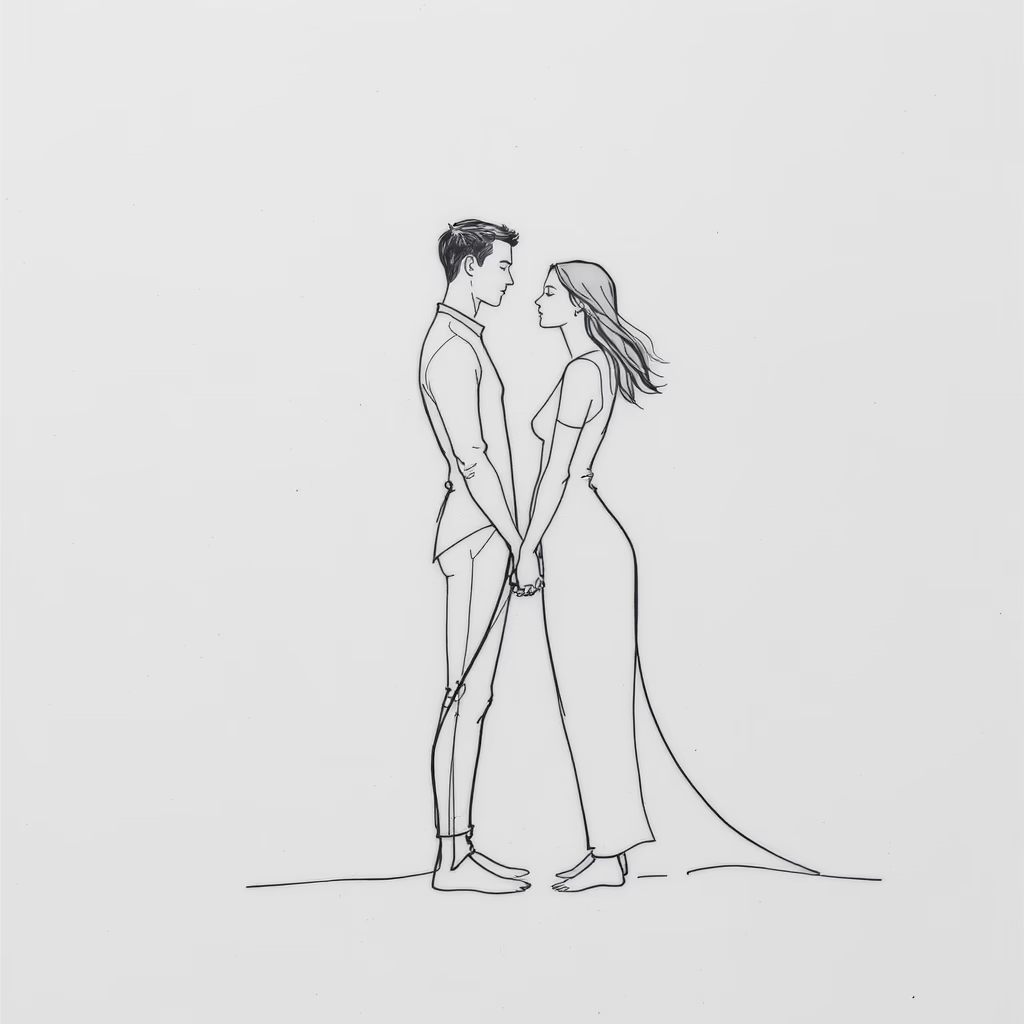
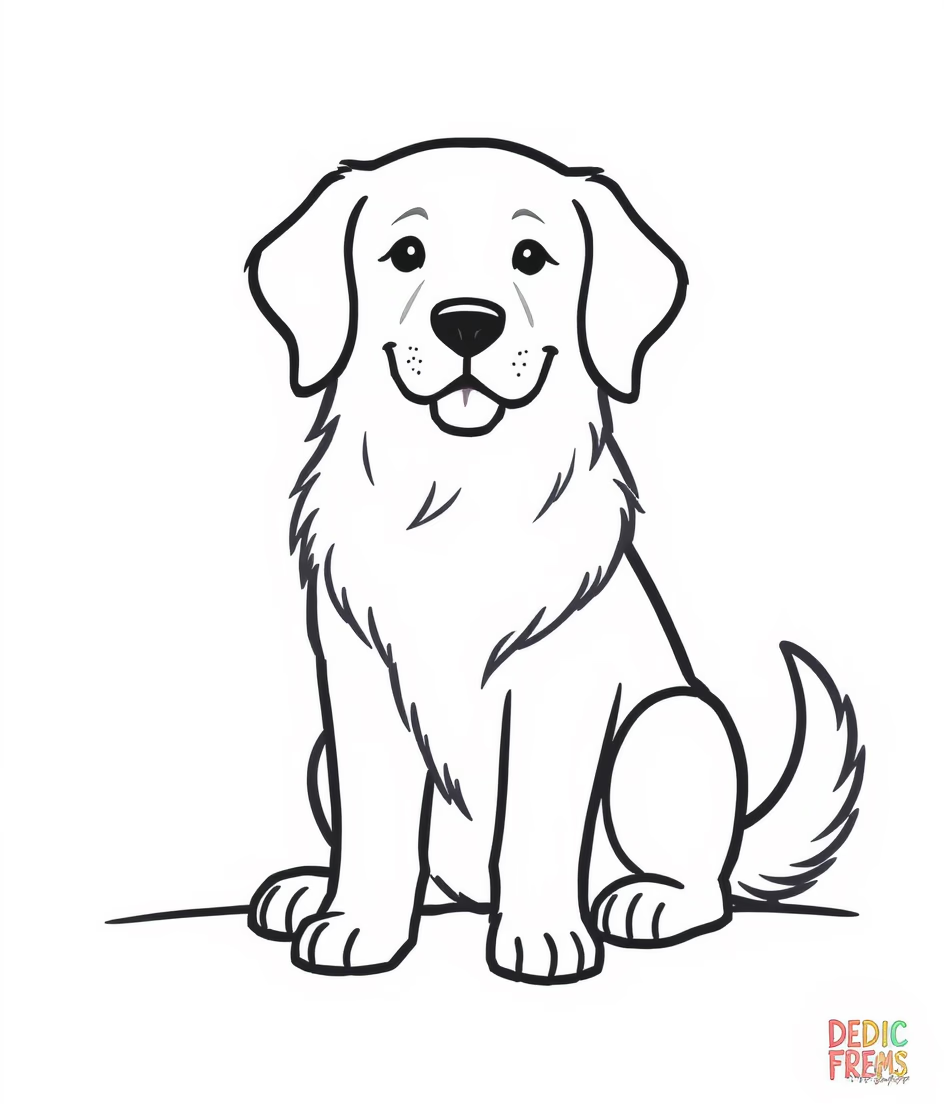
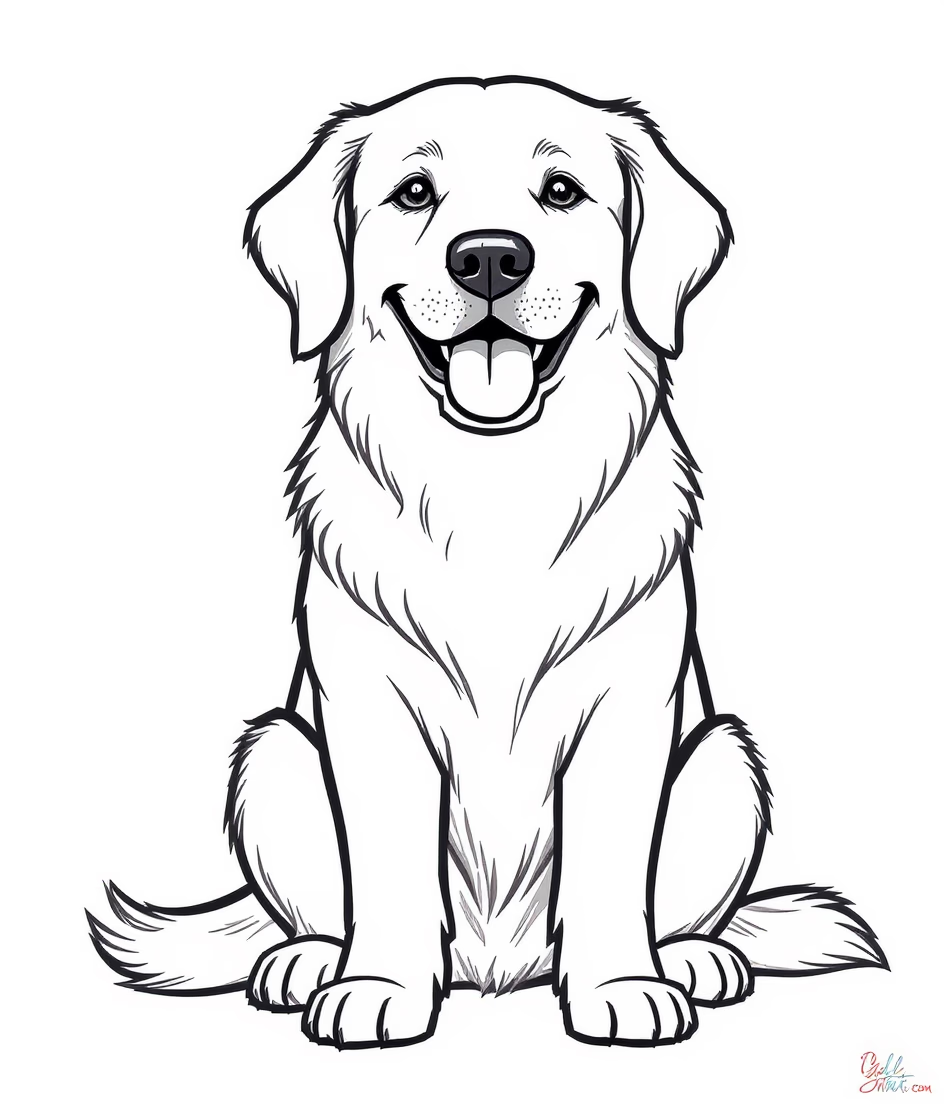
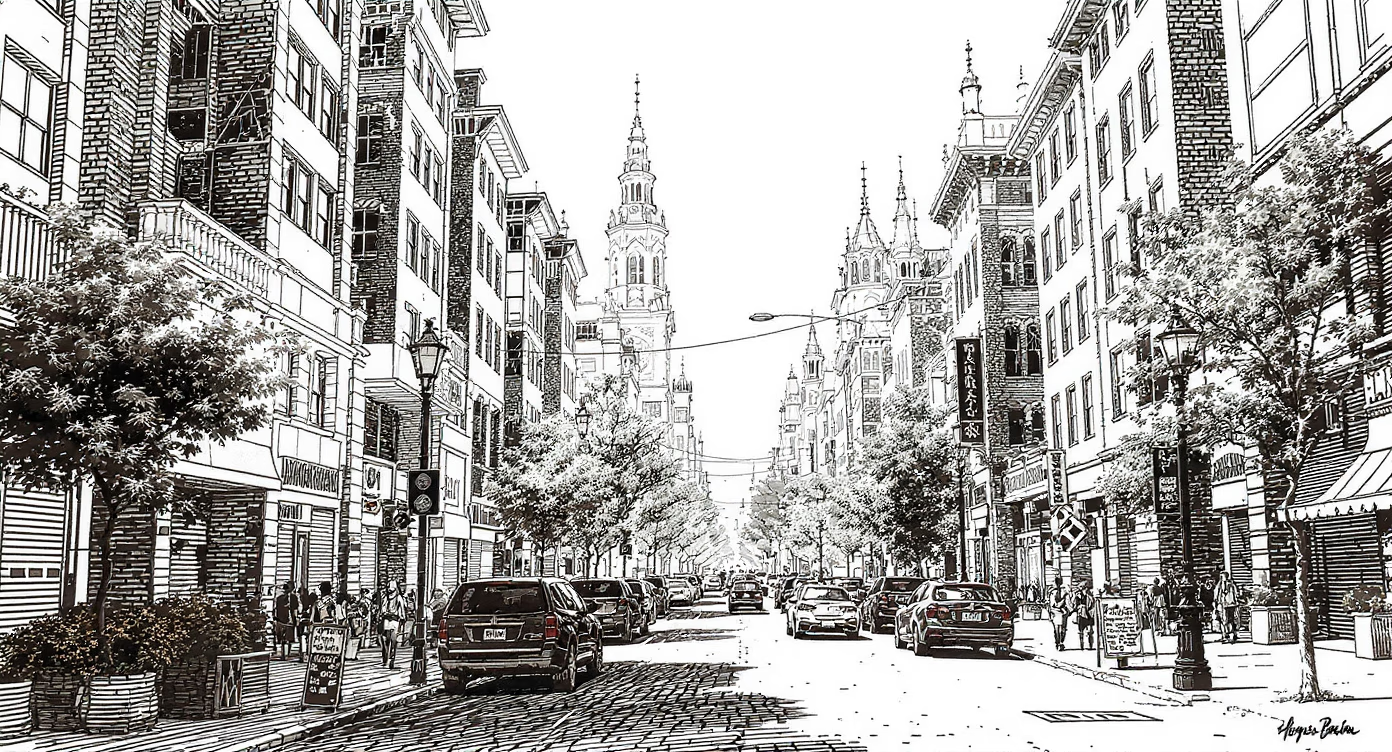
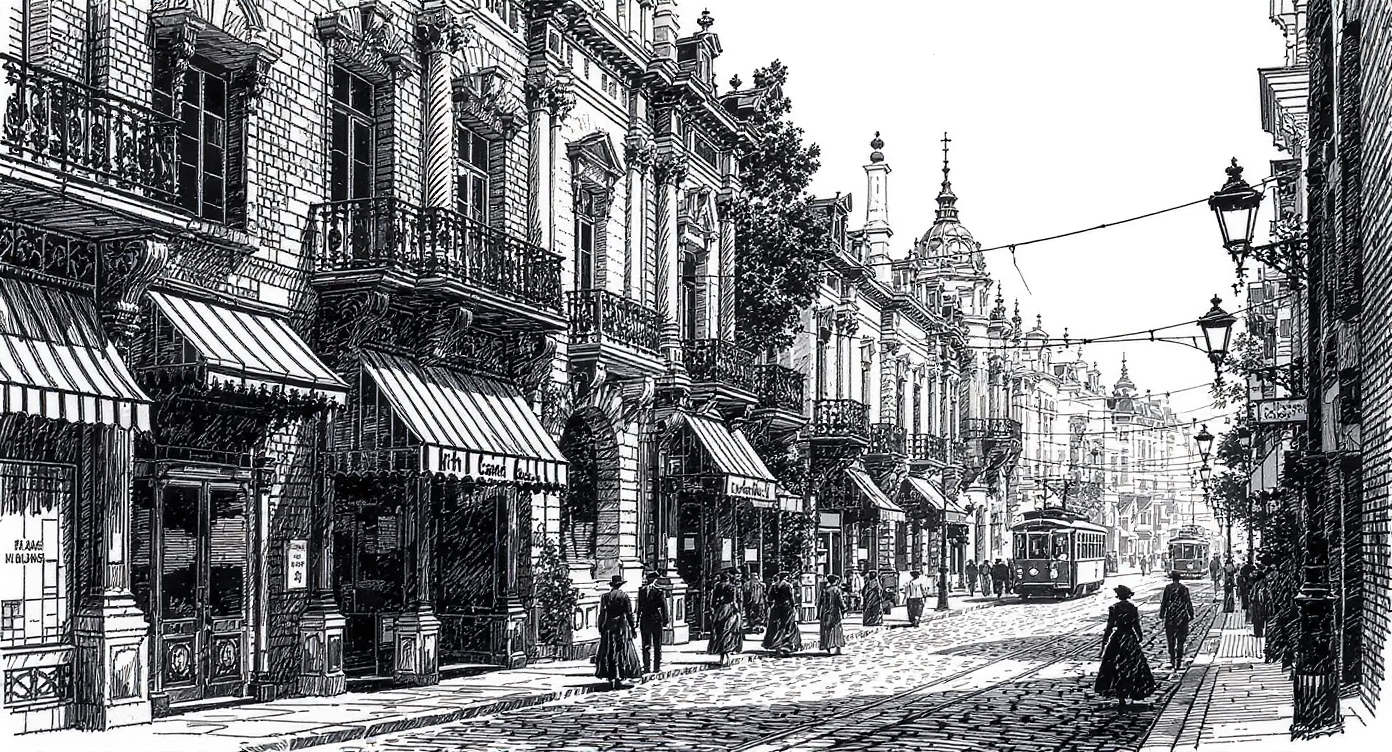
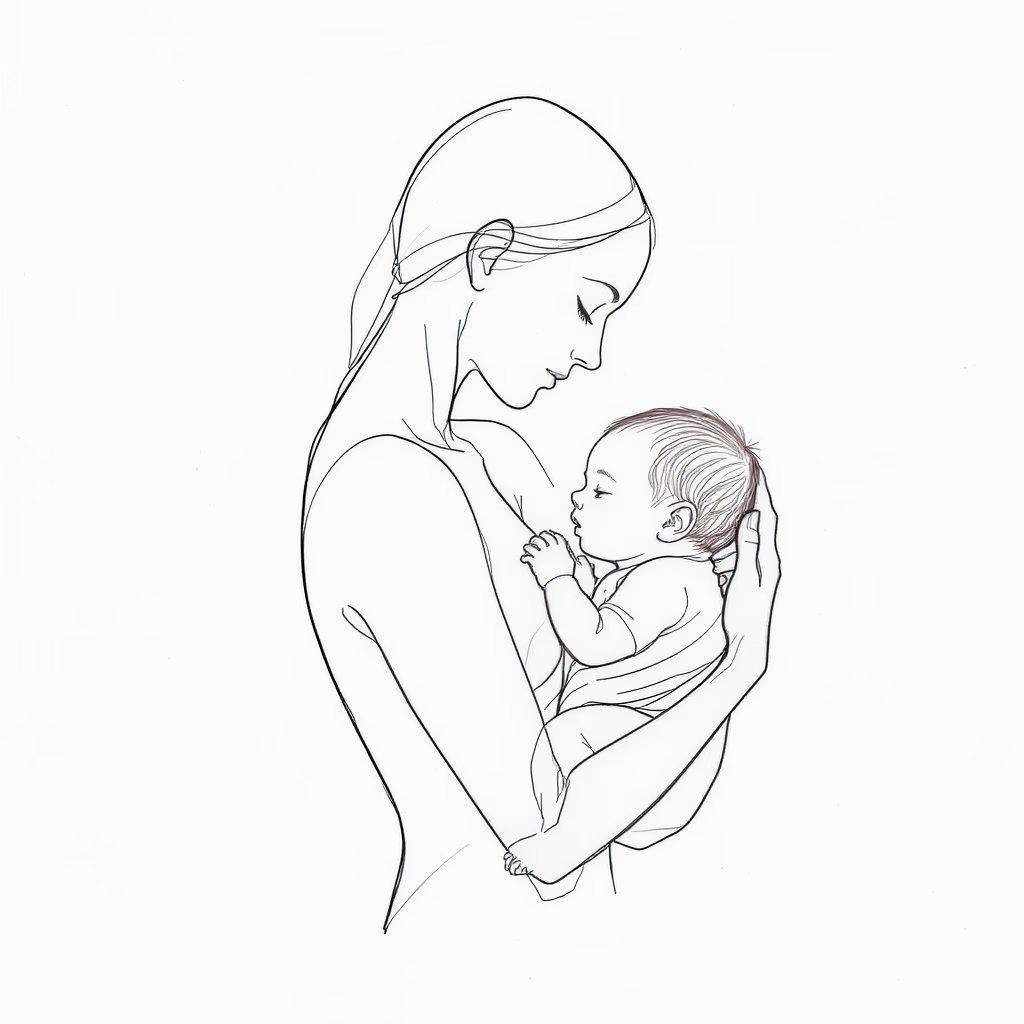
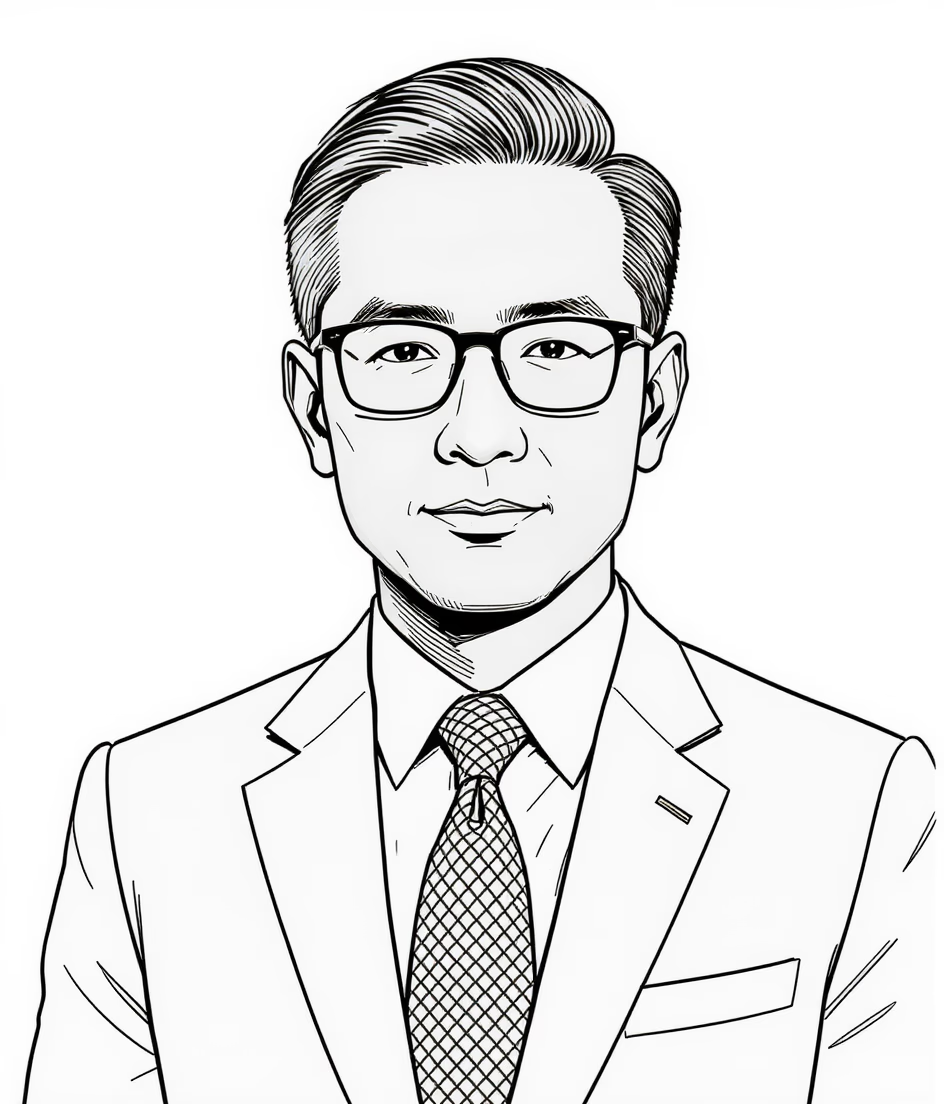
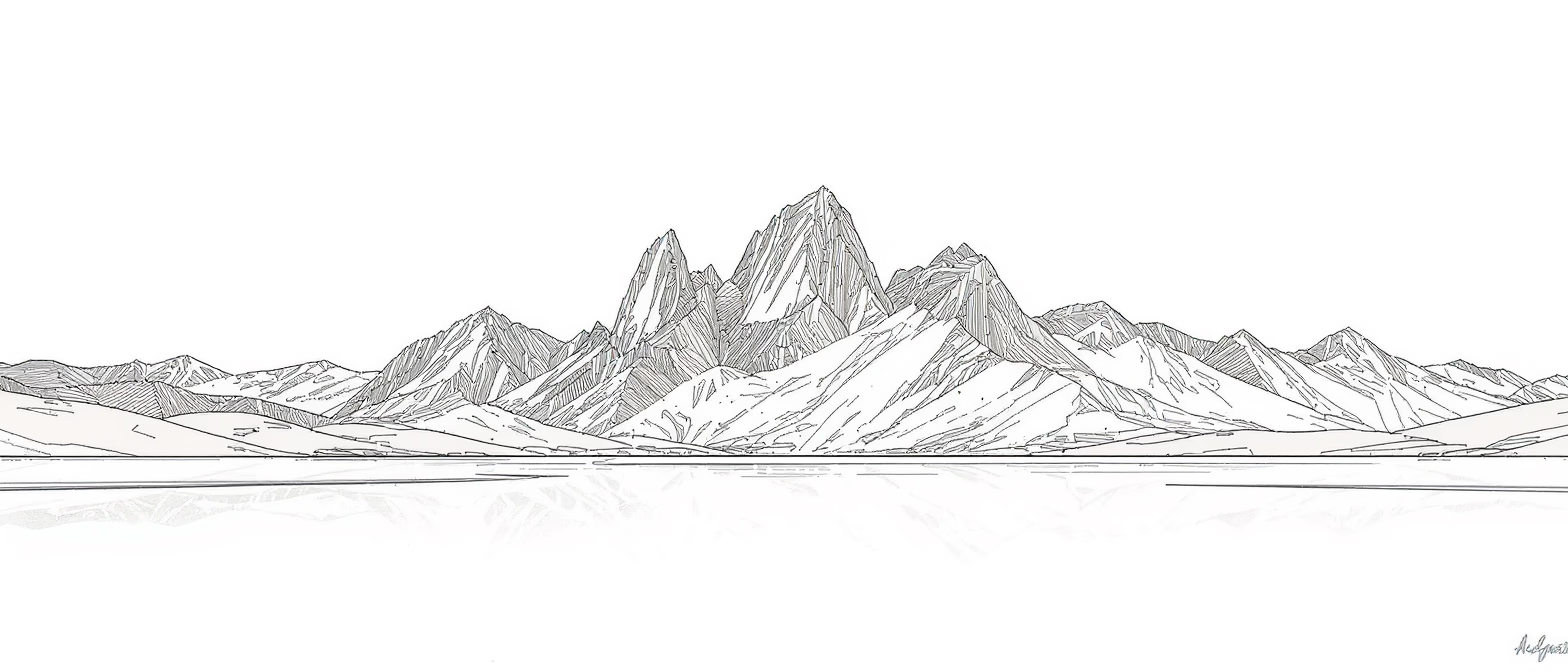
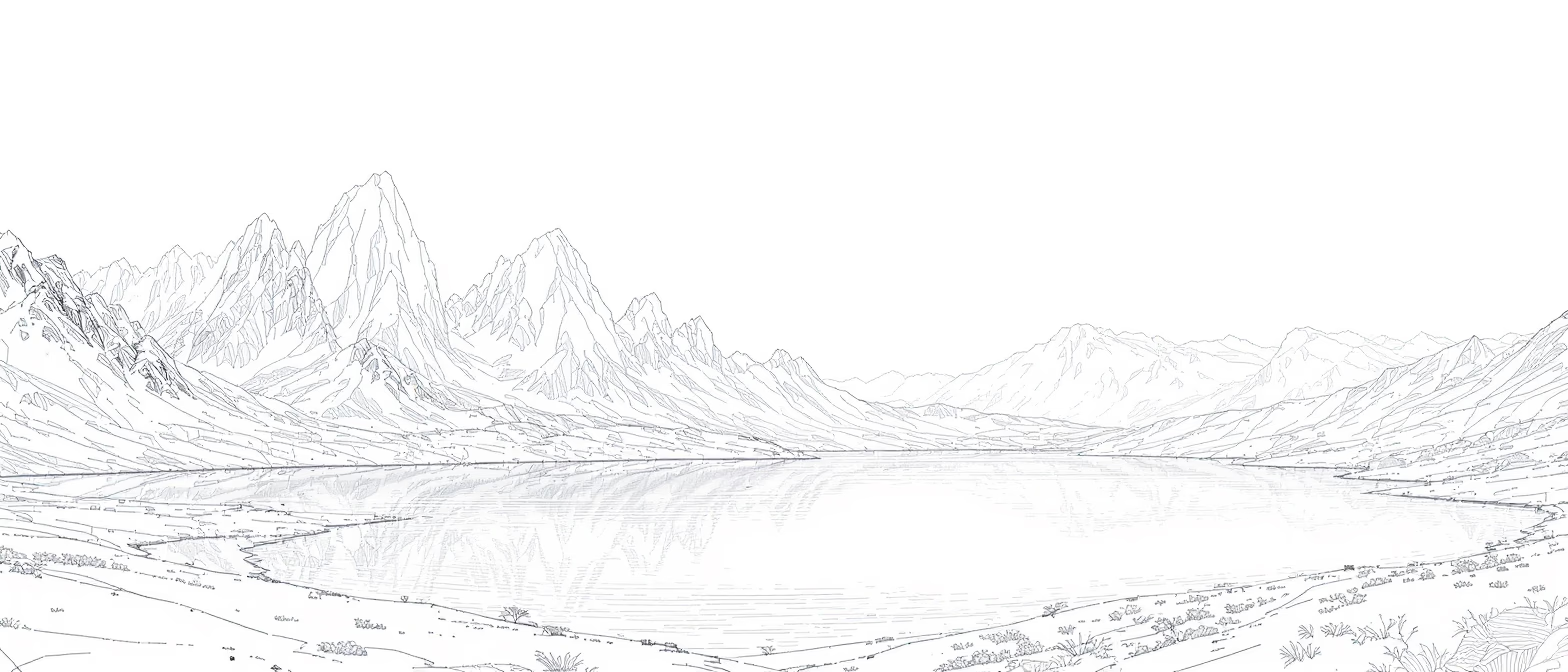
These image-backed examples show how a photo to sketch generator supports different creative goals, from personal portraits to product communication and brand storytelling.
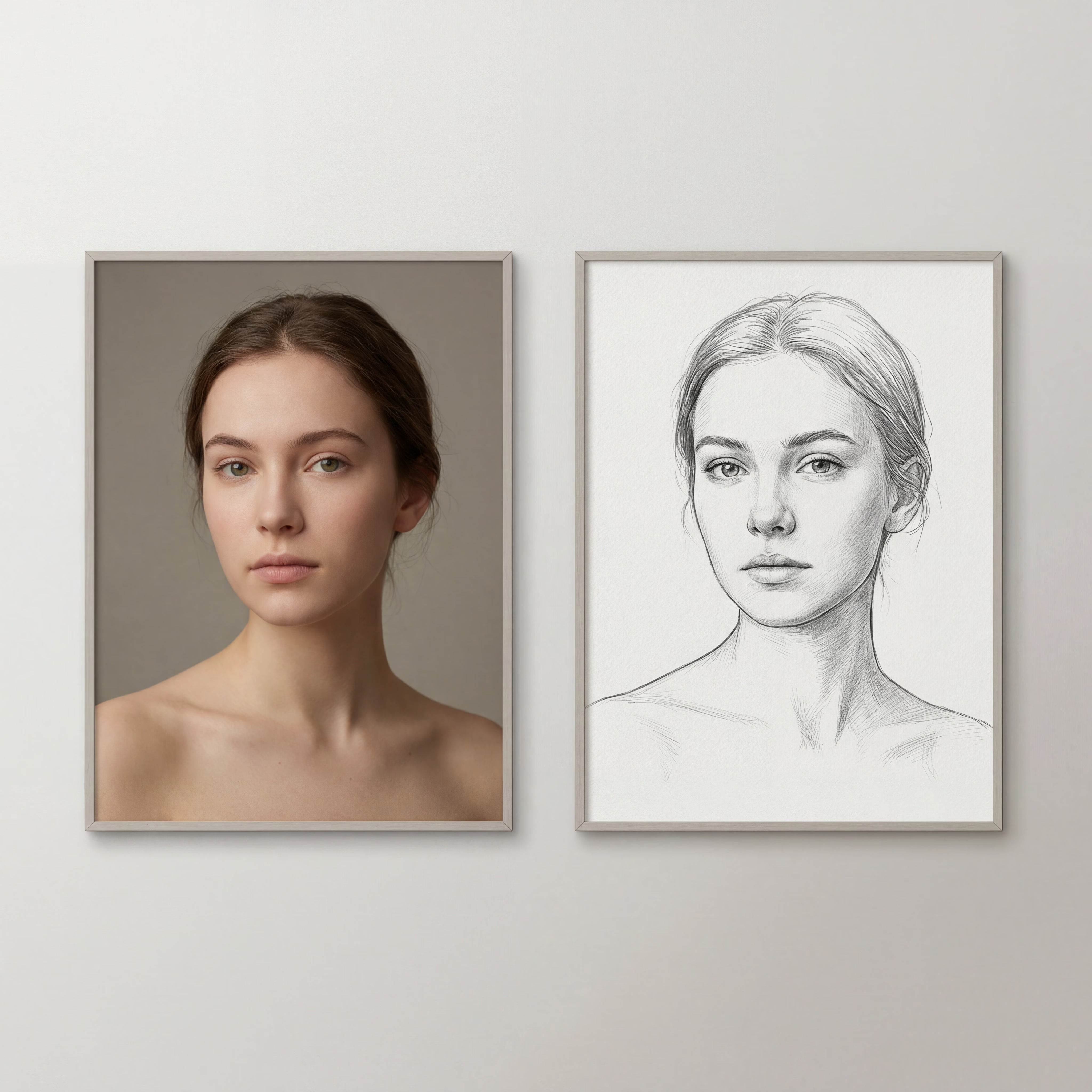
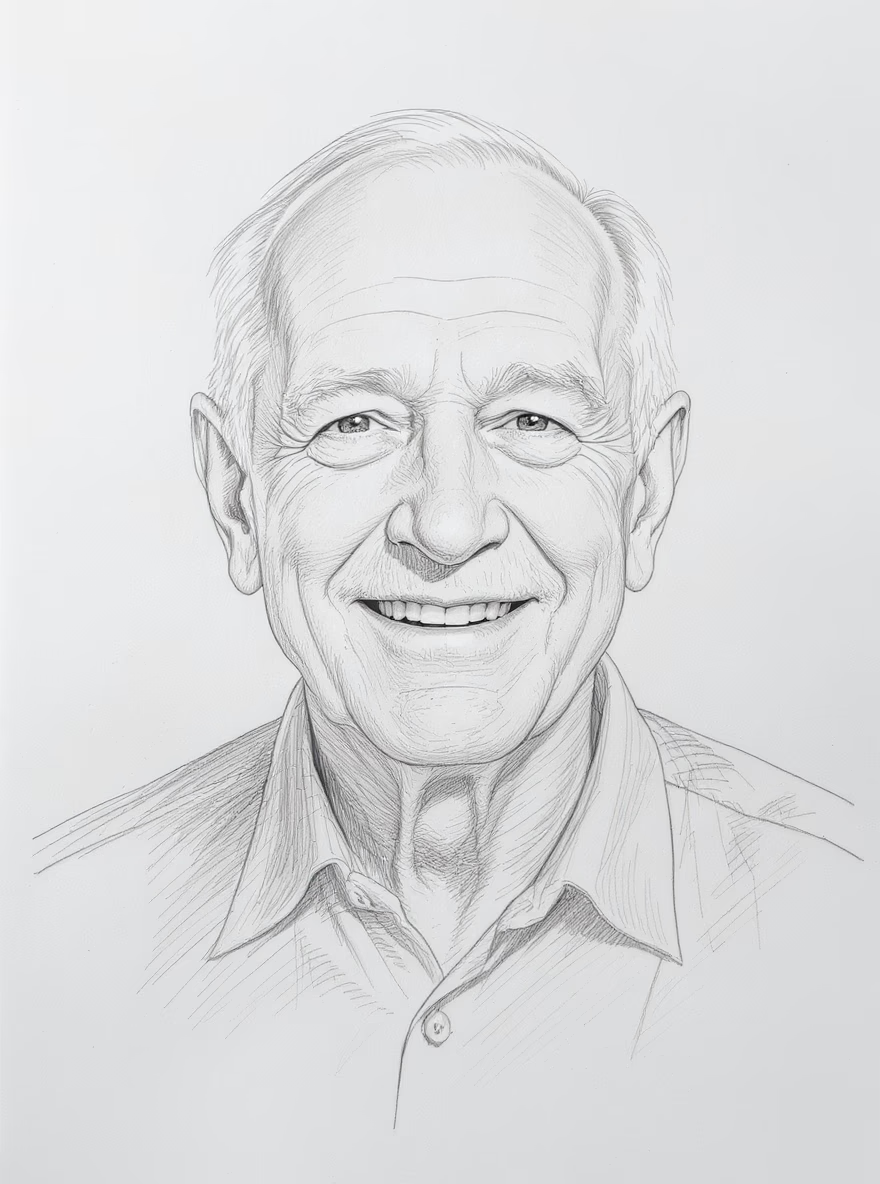
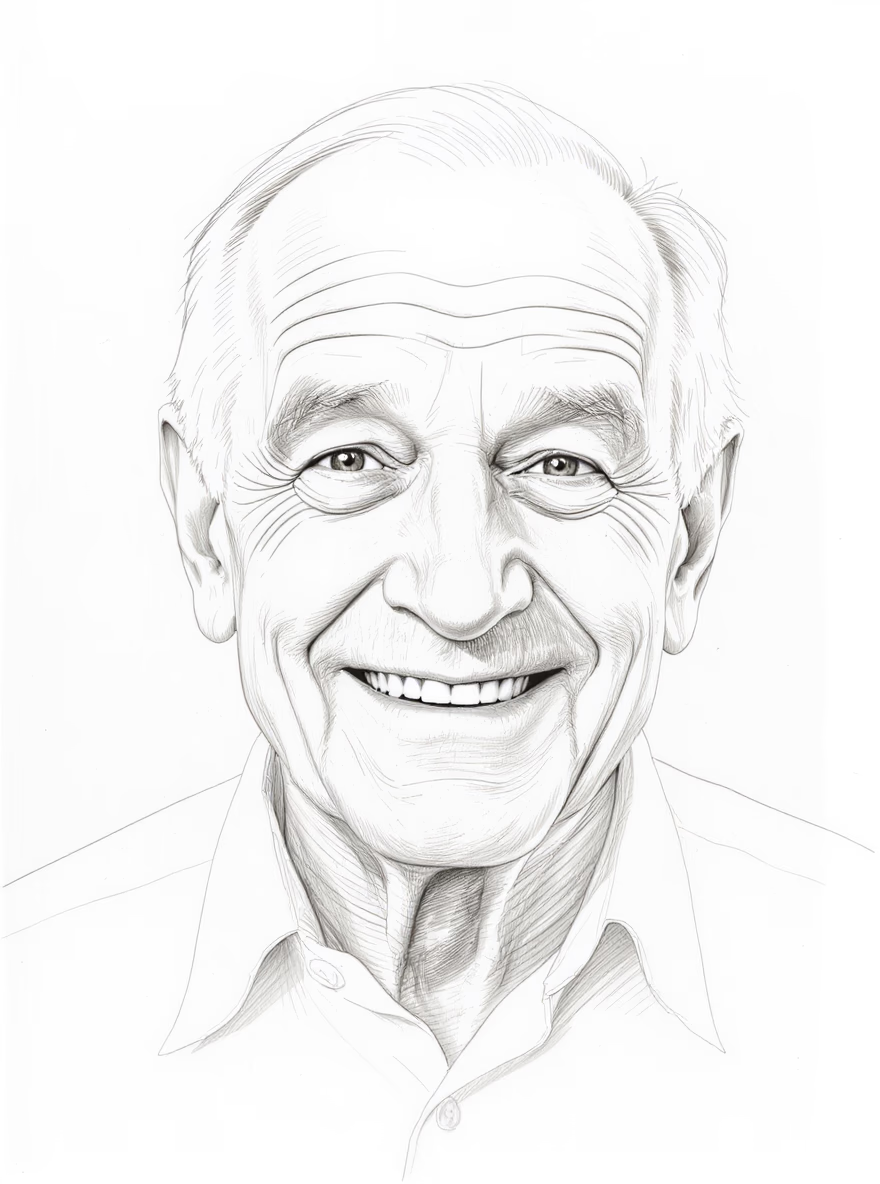
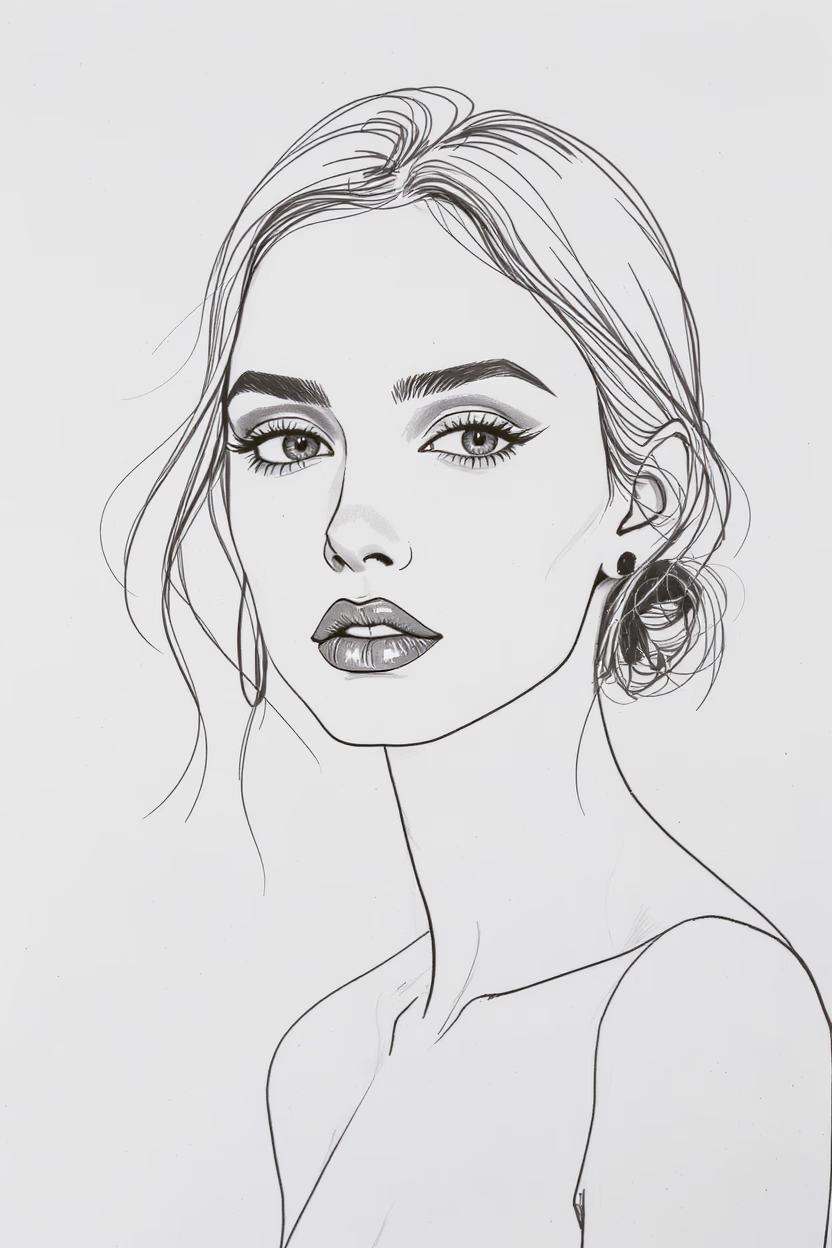
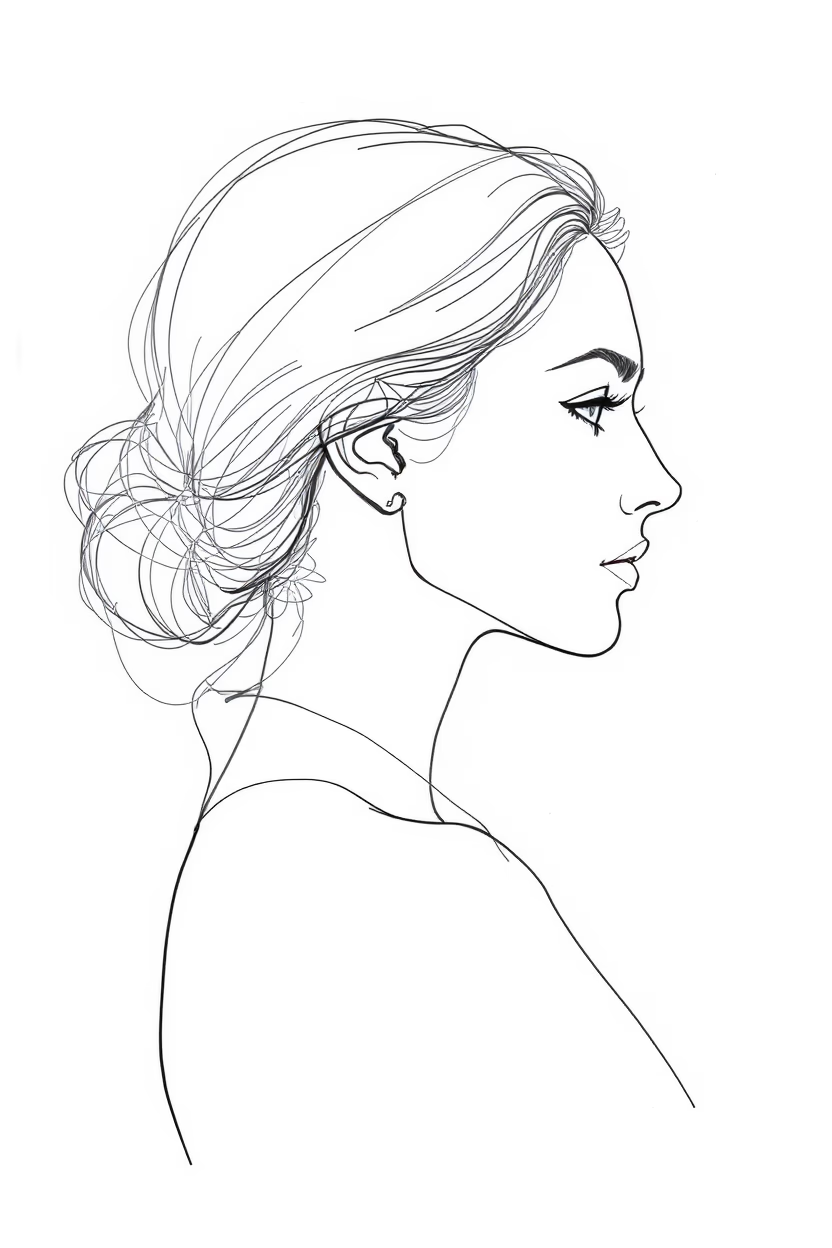
Turn headshots into pencil or ink sketches that feel refined and consistent. Great for team pages, bios, and client-facing decks where you want a polished, human look.
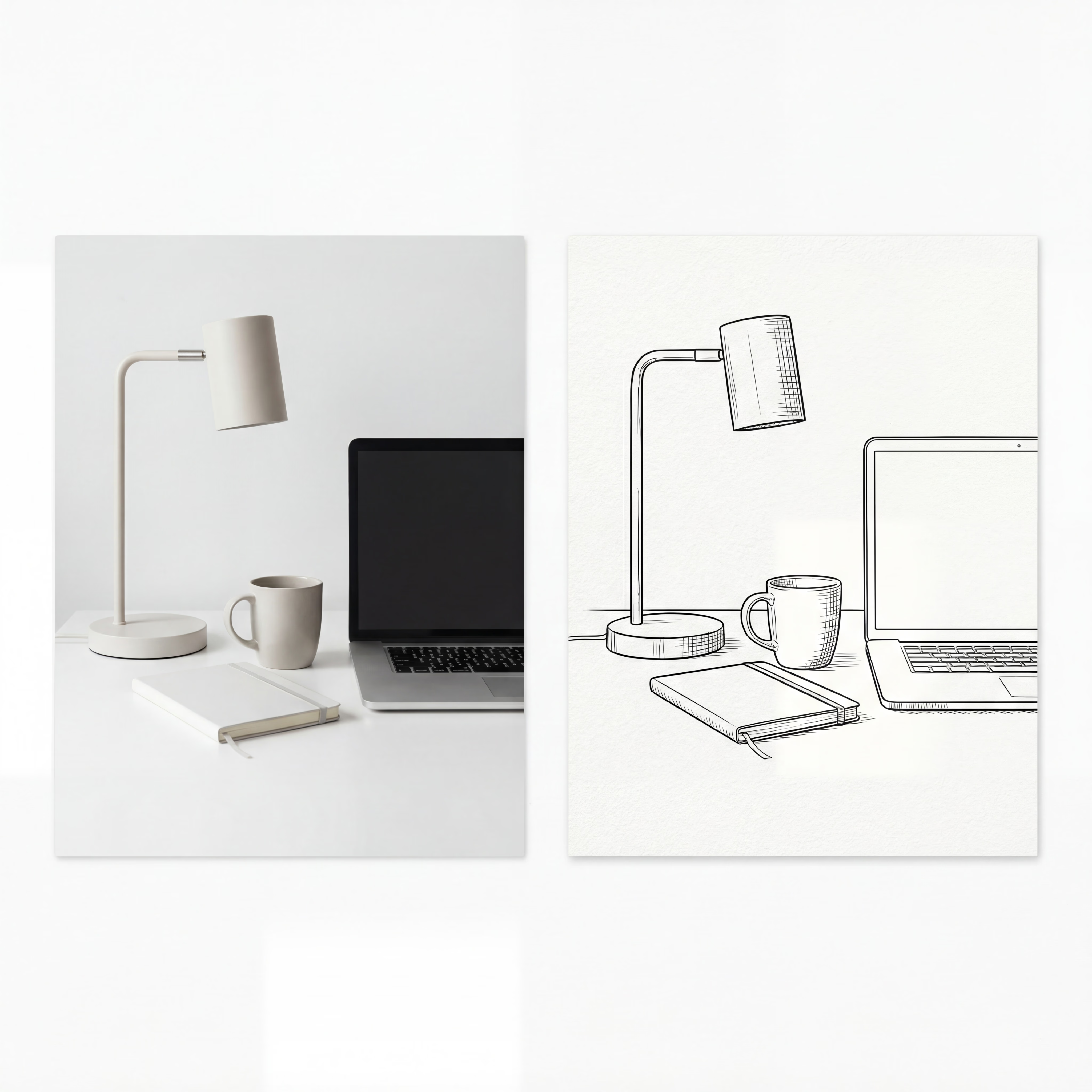
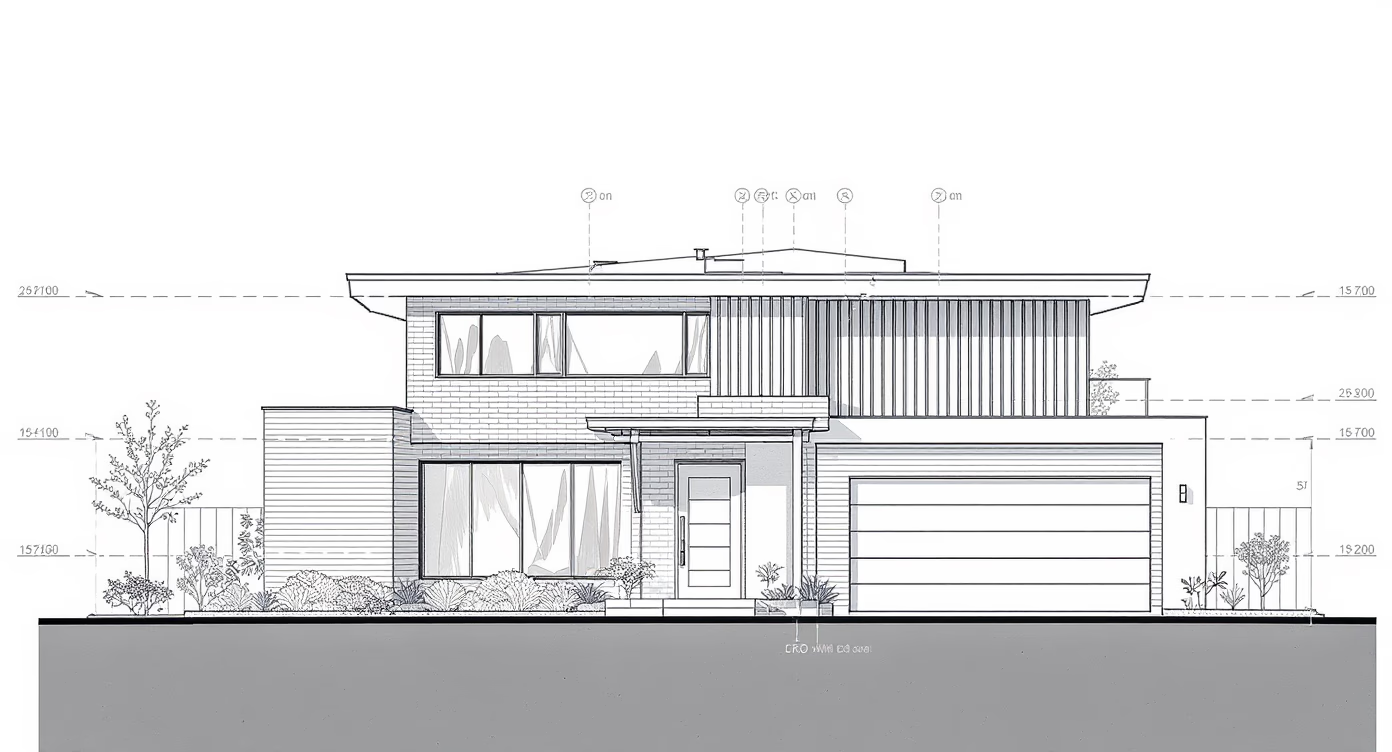
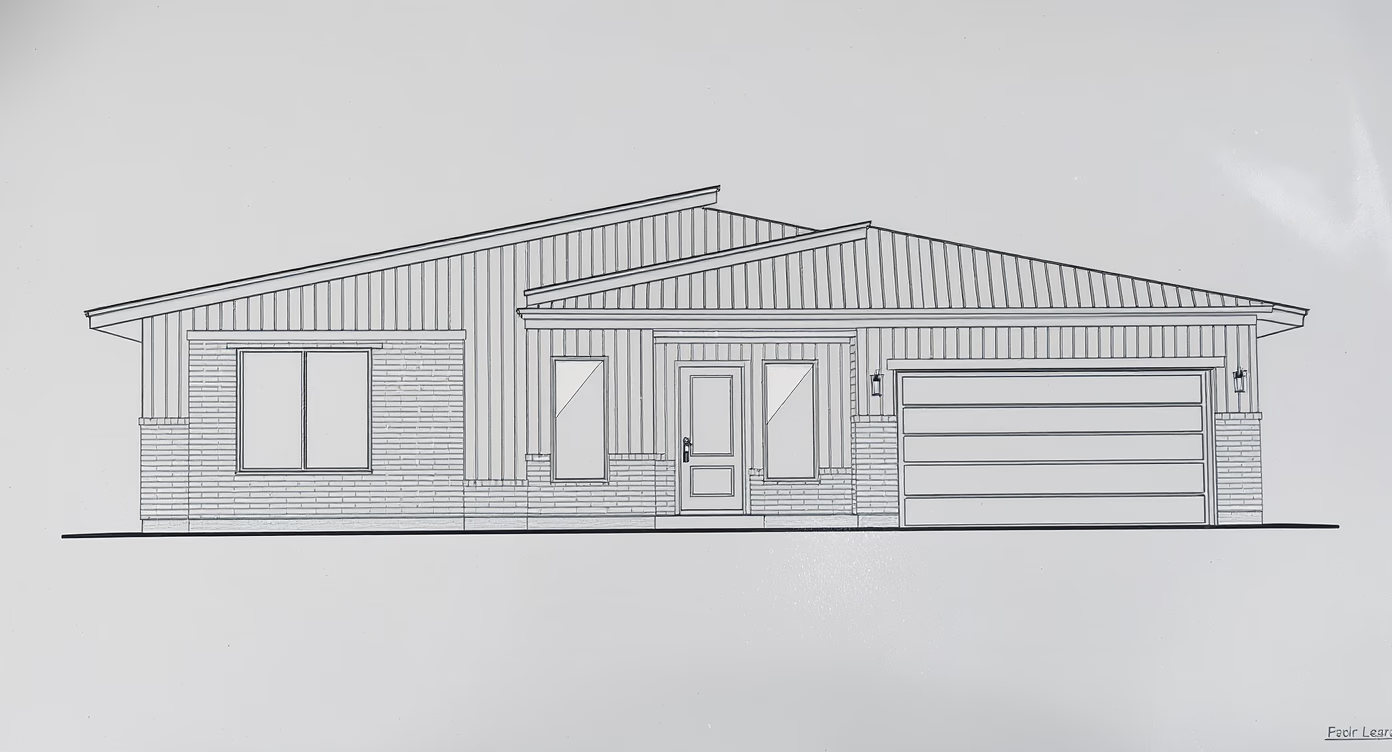
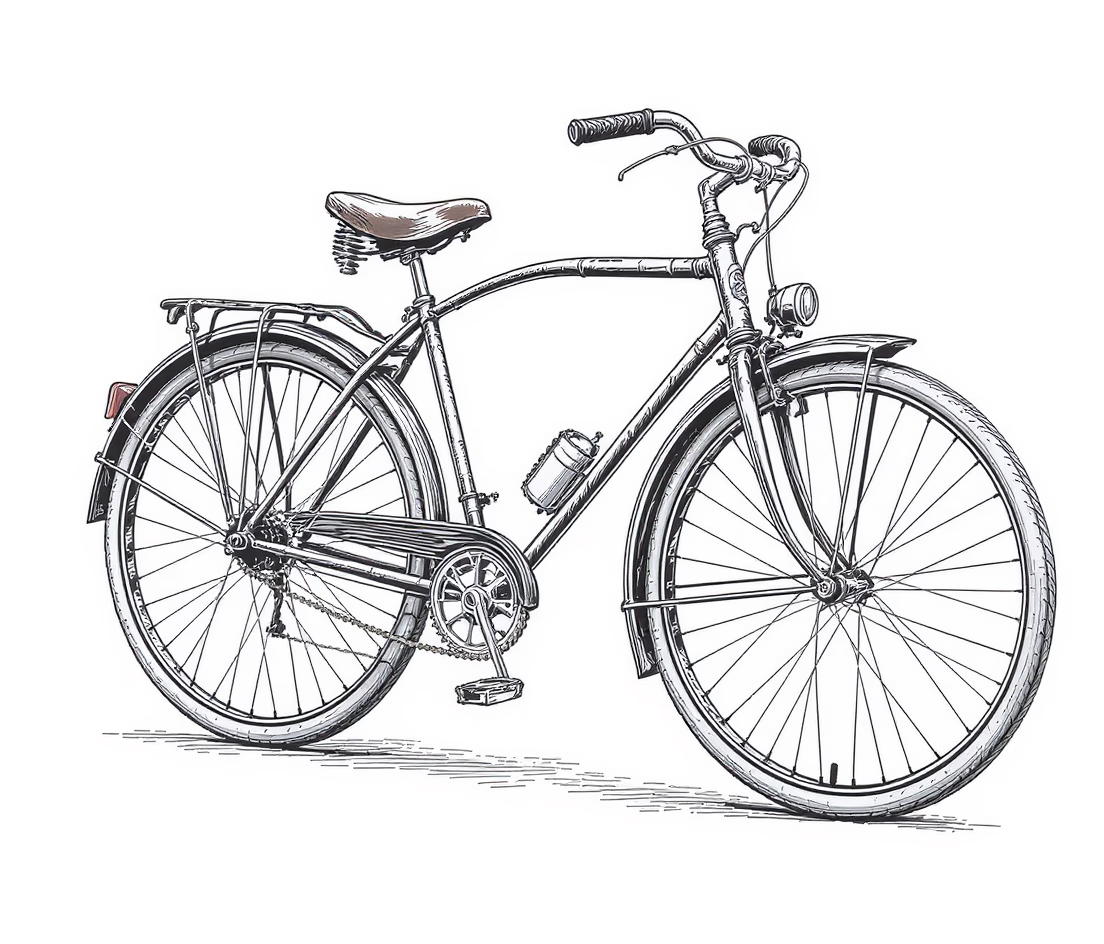
Convert product photos into clean line art that emphasizes form and silhouette. Use this style for catalogs, landing pages, or feature callouts where clarity matters most.
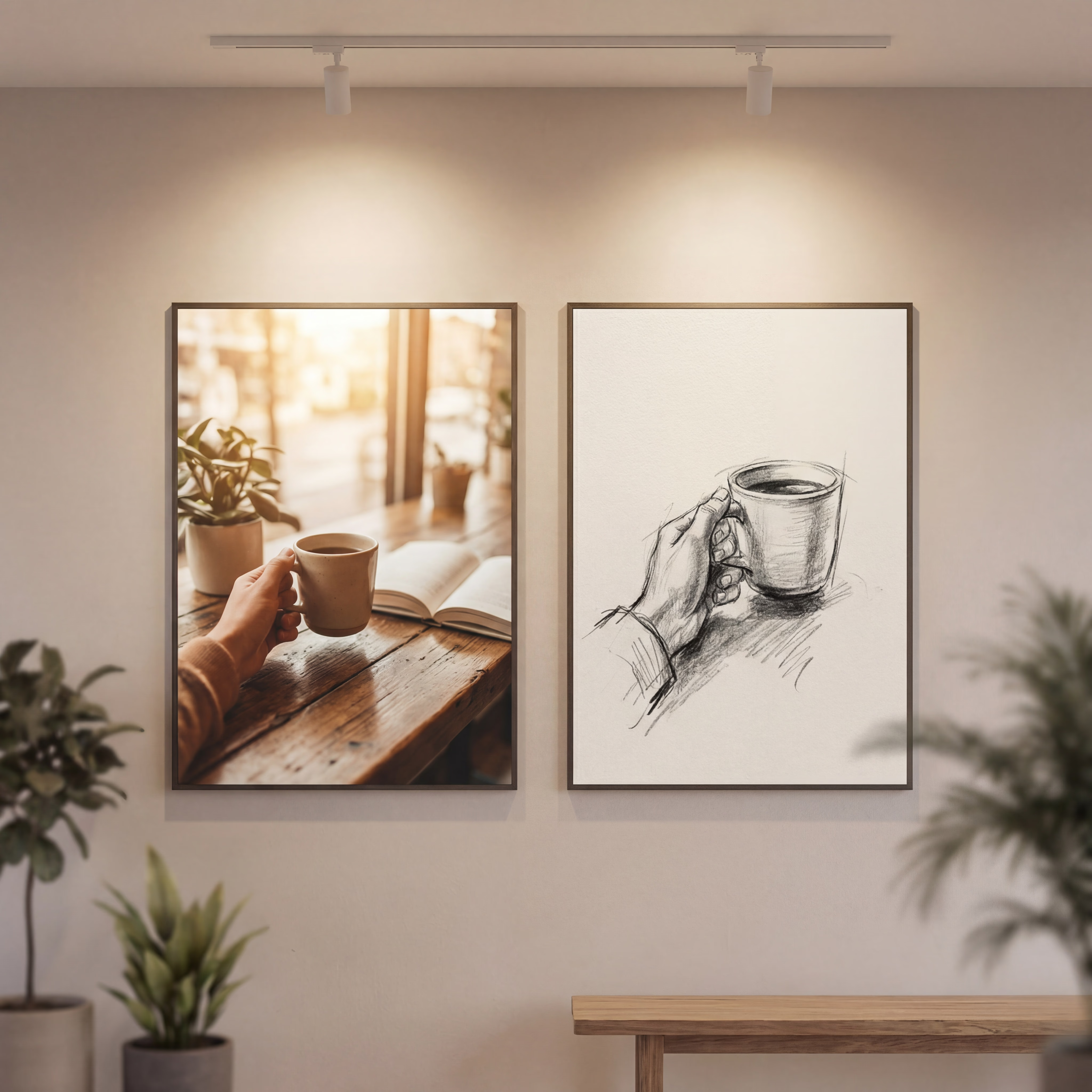
Create a cohesive sketch aesthetic for banners, social posts, and launch graphics. A repeatable sketch style helps your brand assets feel unified across channels.
Browse pencil, ink, and charcoal examples to compare styles.
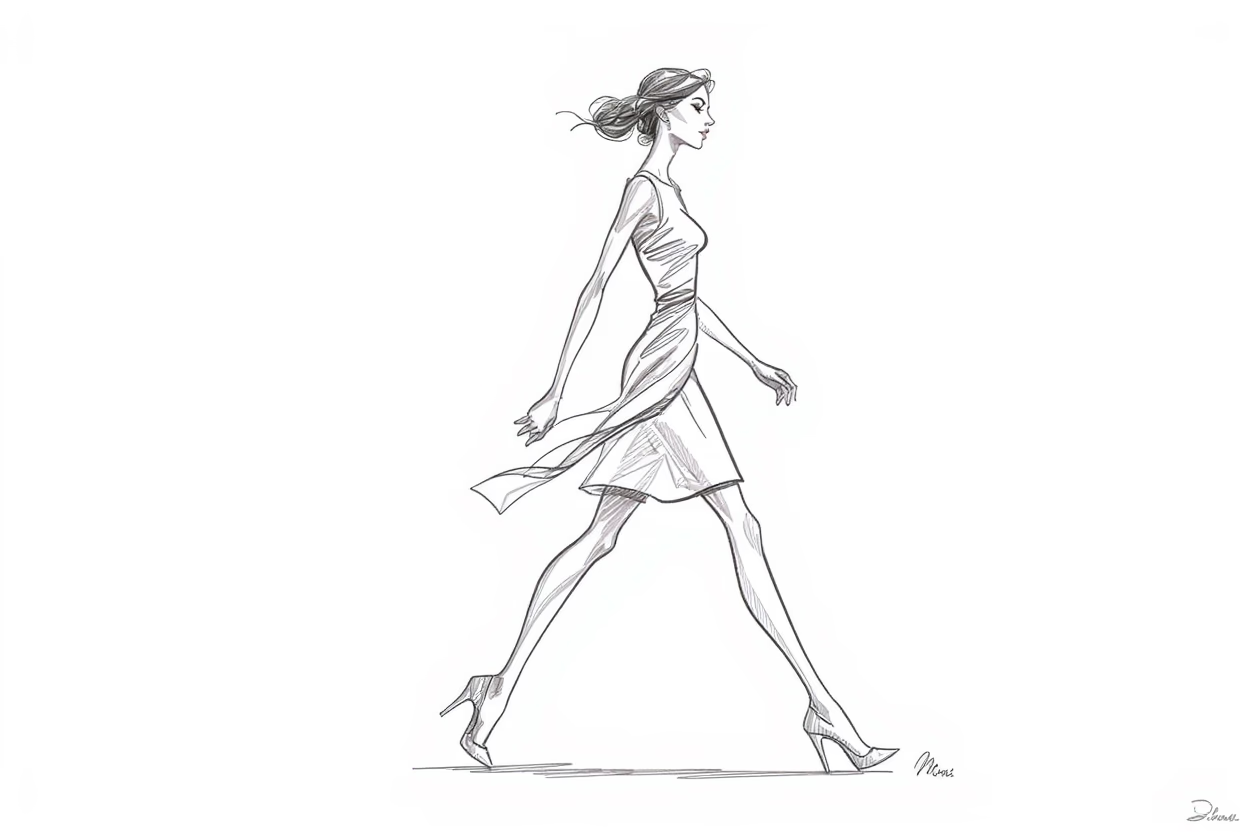
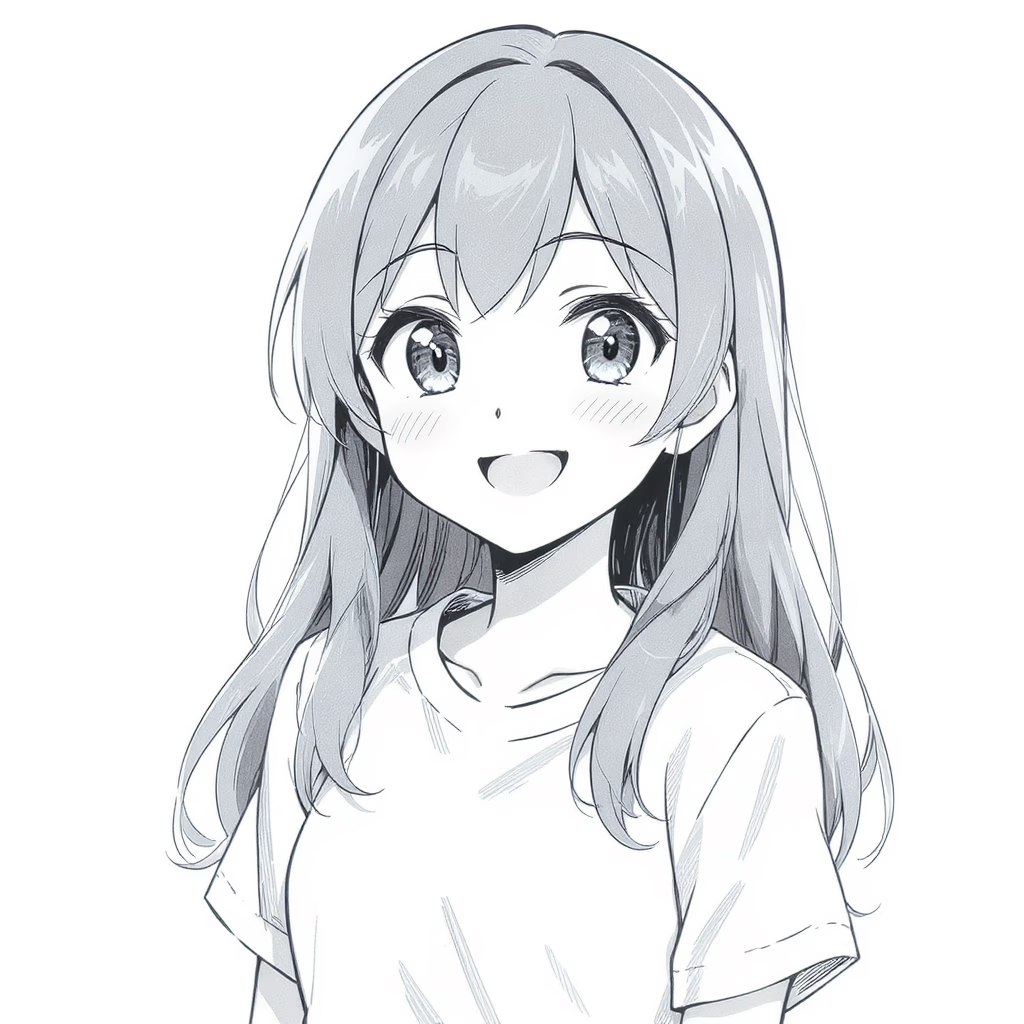
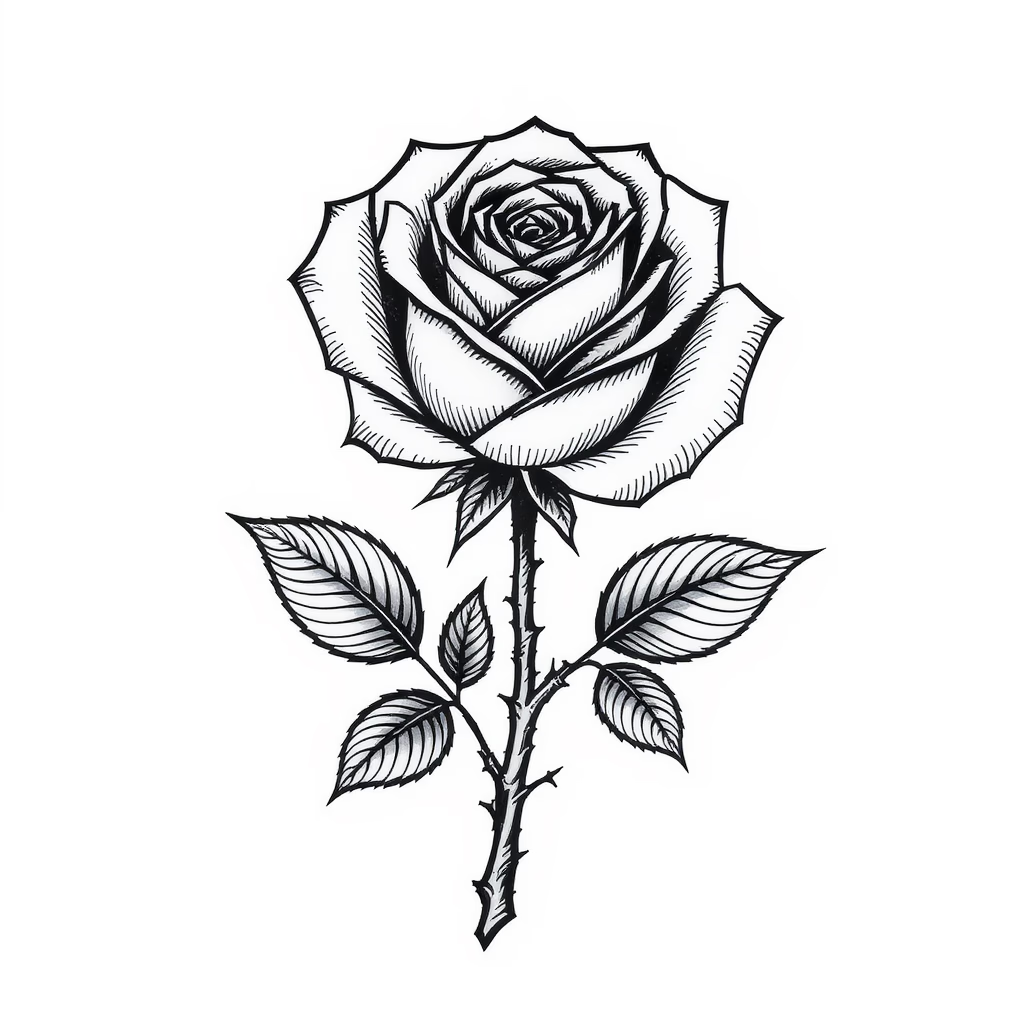
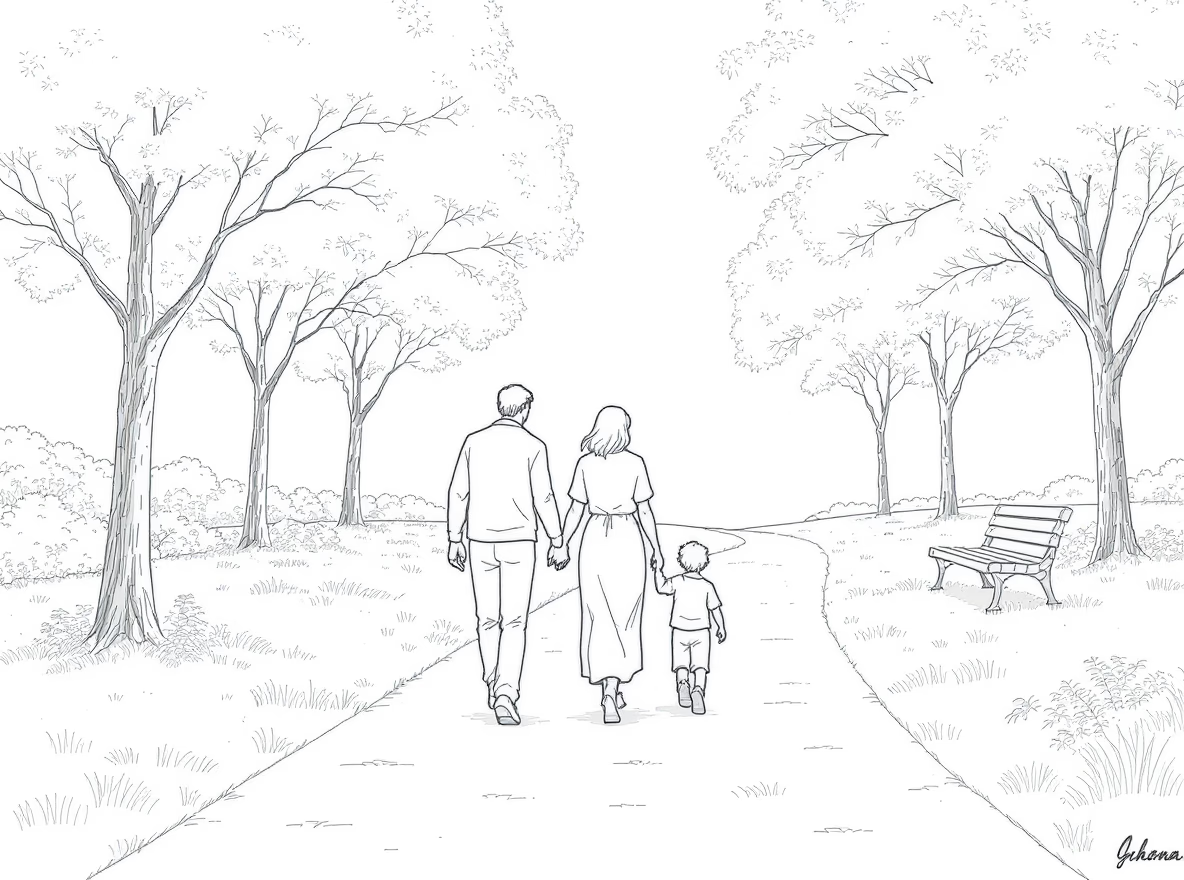
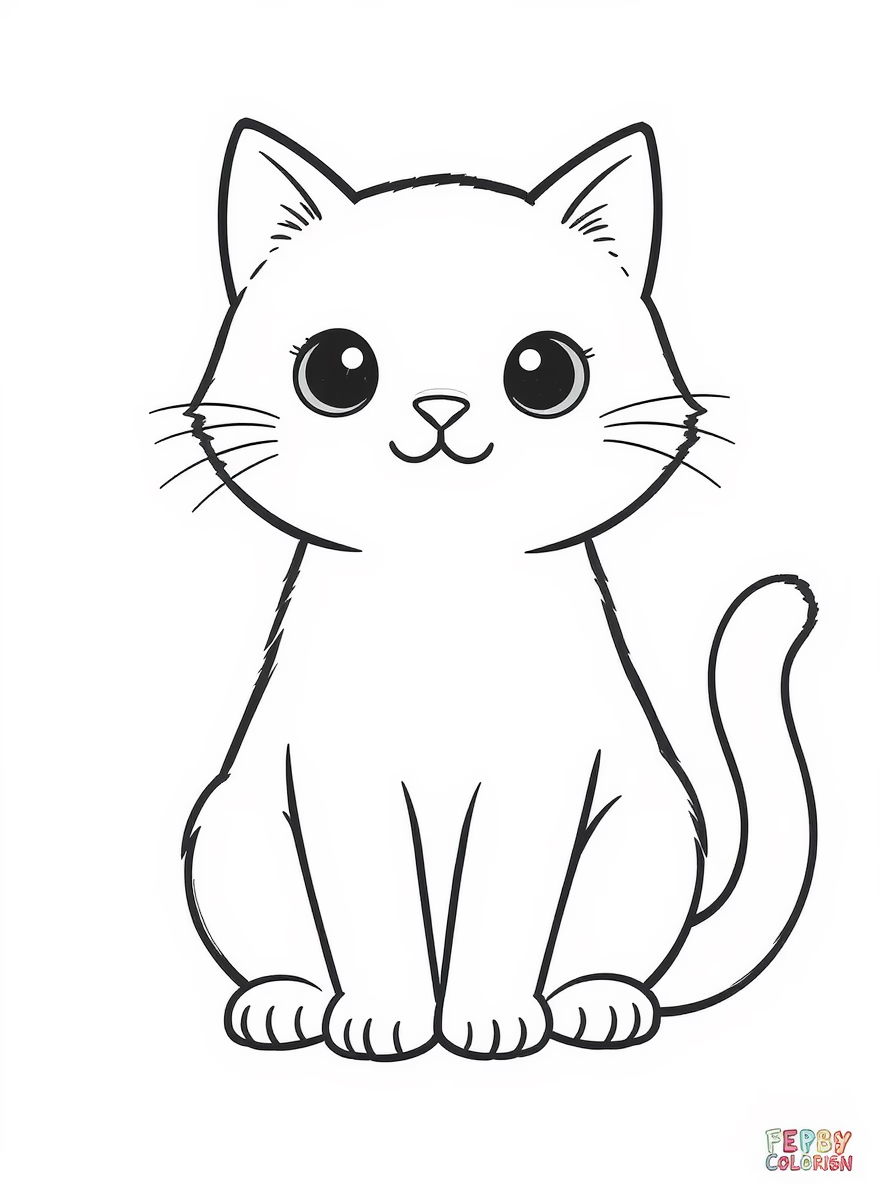
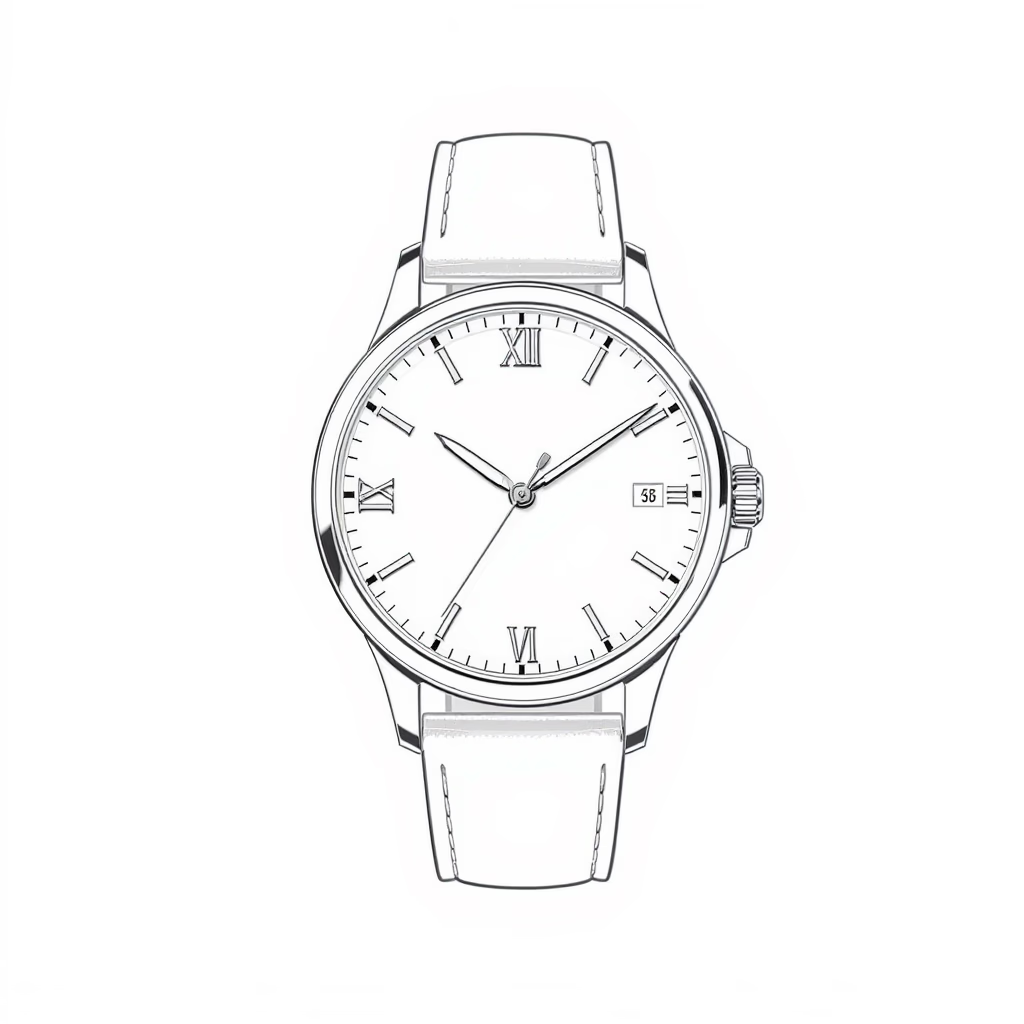
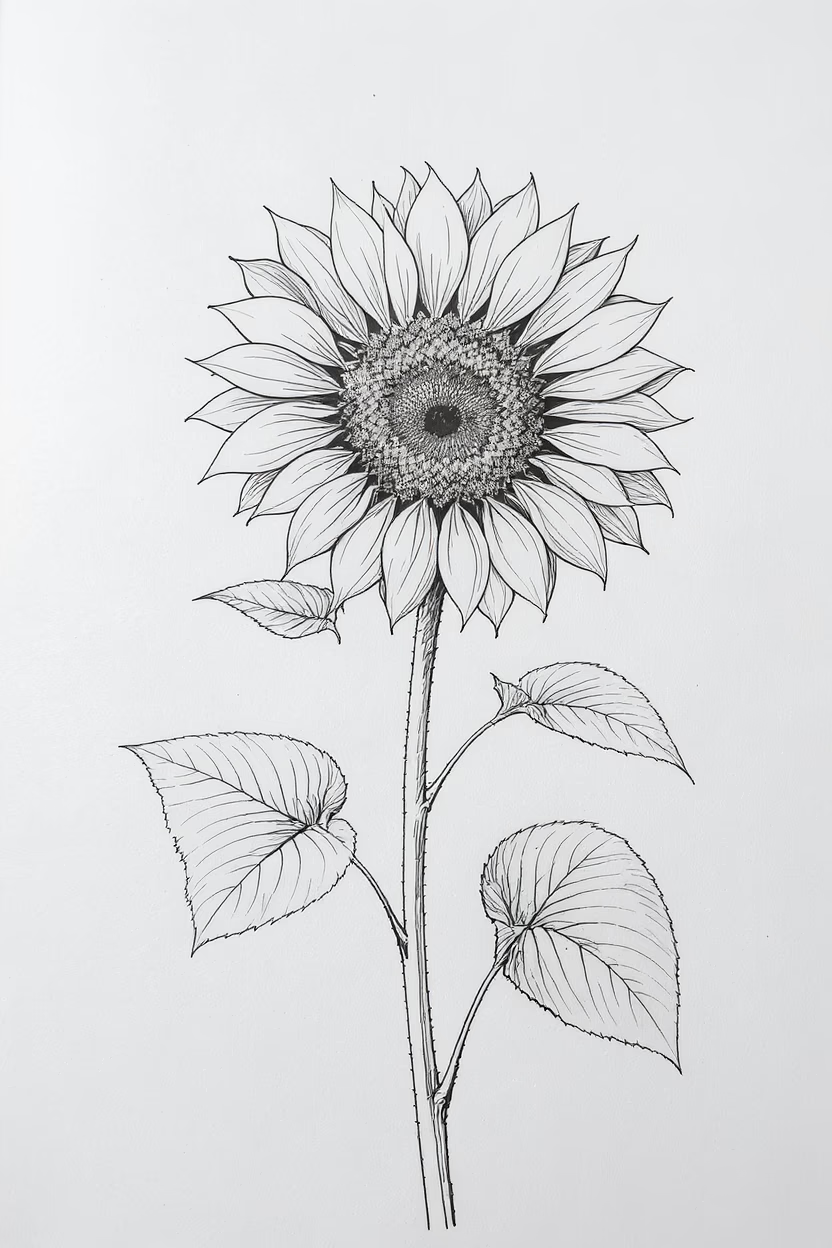
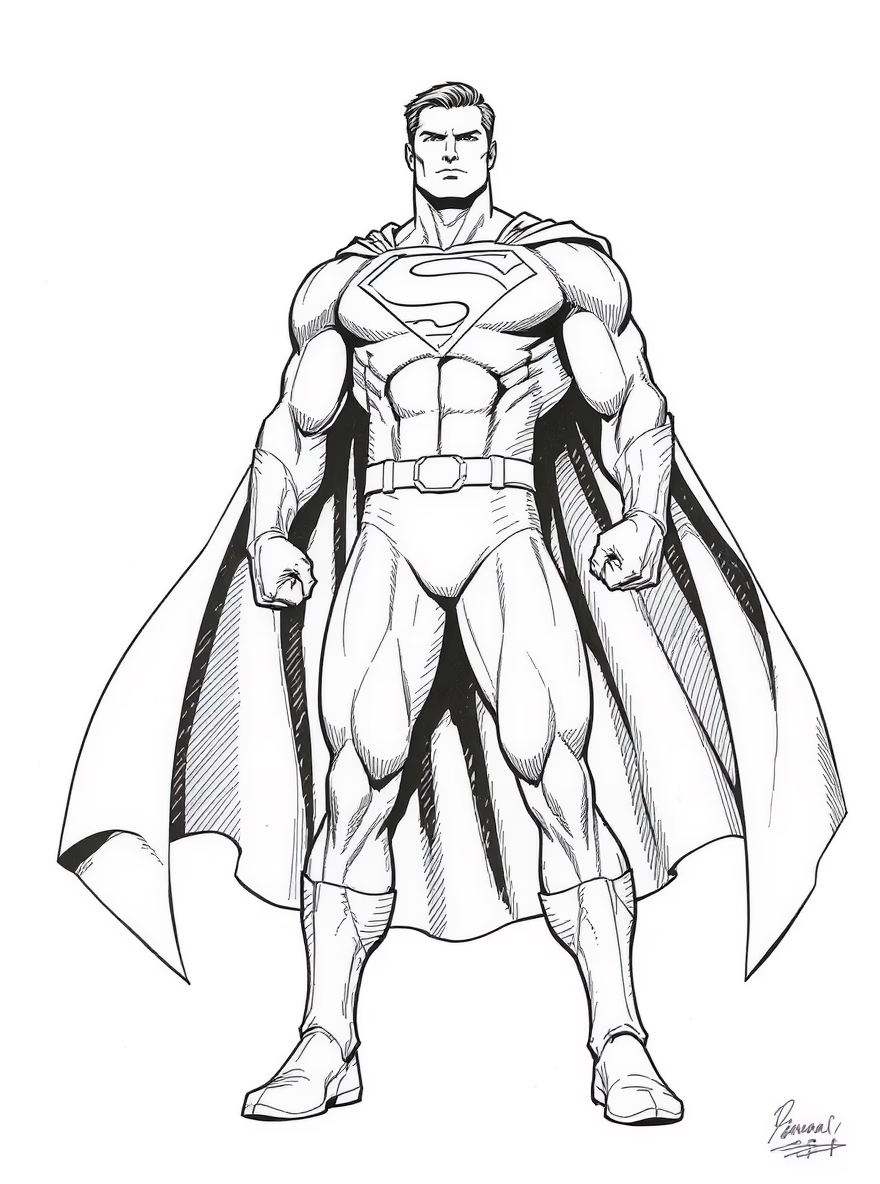
Flexible credits for the photo to sketch generator. Pay once or subscribe.
Perfect for trying out our service
Pay once. No recurring charges.
Best value for heavy usage
Pay once. No recurring charges.
Great for regular users
Great for regular users
Most popular choice
Most popular choice
For teams and heavy users
For teams and heavy users
Great for regular users
Billed $125.16 yearly
Most popular choice
Billed $336.16 yearly
For teams and heavy users
Billed $671.16 yearly
Upload a photo and generate a clean, printable sketch in minutes.
Photo to sketch generator that turns portraits, pets, products, and landscapes into clean pencil, ink, or charcoal styles with export-ready results.
A long-form guide to the craft behind photo to sketch, written for designers, creators, and teams who want consistency, clarity, and a timeless line.
Photo to sketch is more than a filter; it is a deliberate translation of light into line. When a studio wants a unified visual language, the photo to sketch workflow offers control, repeatability, and a calm, hand-drawn tone. A photo to sketch output preserves essential proportions while simplifying noisy backgrounds, which is why illustrators, product teams, and portrait lovers all reach for it. The magic is not in forcing the image to look like pencil, but in editing the visual hierarchy so the subject stands forward, edges remain crisp, and textures feel intentional. This section explains how to evaluate a photo to sketch result so it reads as art, not just a converted file.
Start with a clean source. For a dependable photo to sketch conversion, choose images with clear subject separation, soft directional light, and minimal compression. A photo to sketch engine can lift details from shadows, but muddy files often create jagged edges or uneven hatching. If you are shooting for line art, backlight can be dramatic, yet it should still describe the silhouette. If you are scanning artwork, remove dust and straighten the frame before export. The better the input, the less correction you need later, and the more natural the photo to sketch texture will feel across a gallery of outputs.
Style control is the difference between a novelty and a signature look. A strong photo to sketch setup balances edge detection with tone mapping, so gradients turn into gentle graphite fields rather than harsh bands. Adjust line weight to match the story: thin lines for editorial elegance, bolder strokes for comic clarity. A photo to sketch output should not be overly sharp; a hint of paper grain or charcoal softness gives depth. When available, tune contrast separately from exposure, so you can keep highlights bright while preserving midtone detail.
For product teams, photo to sketch is a quiet workhorse. It strips reflective clutter, reveals form, and keeps the focus on shape language. A photo to sketch treatment on footwear, furniture, or packaging allows you to compare iterations without the distraction of color. When you build design boards, pair a hero image with a series of photo to sketch variations, each emphasizing a different contour. This creates a sequence that feels like a sketchbook, while still being grounded in real geometry. The result is calm, persuasive, and highly scannable.
Portraits and pets demand empathy. A photo to sketch portrait should keep the eyes luminous and the jawline confident, while simplifying hair into readable masses. For pets, watch the fur: a photo to sketch effect can over-texture if the input is too noisy, so soften the background and keep the subject crisp. Add subtle shadow under the chin to maintain depth, and keep whiskers thin. When done well, the photo to sketch result feels timeless, like a studio drawing you would frame, not a digital trick.
Consistency across a collection matters. If you are generating a set, lock your settings and run a batch pass so each photo to sketch file shares the same line width and tonal range. Use a naming scheme that preserves order, and export to a neutral format like PNG or TIFF for final edits. In large catalogs, a photo to sketch batch can double as a quick quality control tool, because distortion or lens issues are more obvious when color disappears. This makes the style both beautiful and practical.
Export quality defines how the work lives. A photo to sketch image meant for print should be at least 300 DPI at the final size, with clean edges and no halo artifacts. For web, compress carefully so thin lines do not break. If the output supports vectorization, use it sparingly; a photo to sketch drawing can look sterile if every line becomes perfectly uniform. Preserve a hint of organic variation, and you will keep the warmth that audiences associate with handmade sketches.
Trust matters in a creative pipeline. A responsible photo to sketch workflow should protect uploads, discard originals when requested, and avoid training public models on private images. If you are working with client portraits, clarify usage rights and maintain a secure archive. A photo to sketch asset may be derived from a photo, but it still carries the subject's likeness and deserves the same care as any photograph. Clear policies and transparent controls make the experience feel professional.
A strong narrative helps the style land. Use photo to sketch to introduce a story at the top of a page, then transition to color photography for realism, or keep the entire page monochrome for a cinematic feel. When you combine copy with a photo to sketch hero, keep the typography elegant and the layout spacious. The texture of the sketch does the emotional work; your content can stay direct.
Brand teams often use photo to sketch as a bridge between concept and market. A photo to sketch hero can turn a product launch into a calm, premium story, especially when paired with restrained color accents. Use it on packaging mockups, instruction cards, and social banners to keep the visual system cohesive. The key is restraint: give the photo to sketch output room to breathe, avoid heavy overlays, and let the lines become the brand texture.
Behind the scenes, a reliable pipeline includes review and cleanup. After a photo to sketch pass, scan for broken contours, unwanted speckles, and overly thick edges near hair or fabric. Minor retouching with a soft eraser or a low-opacity brush can restore balance without destroying the hand-drawn feel. If your workflow offers layer control, keep the photo to sketch lines separate from tone so you can adjust contrast quickly for different placements.
Ultimately, photo to sketch is about focus. It reduces a complex scene to the few lines that matter, creating clarity without losing character. Whether you are building a portfolio, packaging a product, or simply preserving a memory, the photo to sketch approach gives you a flexible, export-ready aesthetic that stands apart from ordinary filters. Treat the process as a craft: choose the right input, refine the line, and keep the tonal story consistent. The reward is a body of work that looks intentional, human, and quietly compelling.
Studio Notes